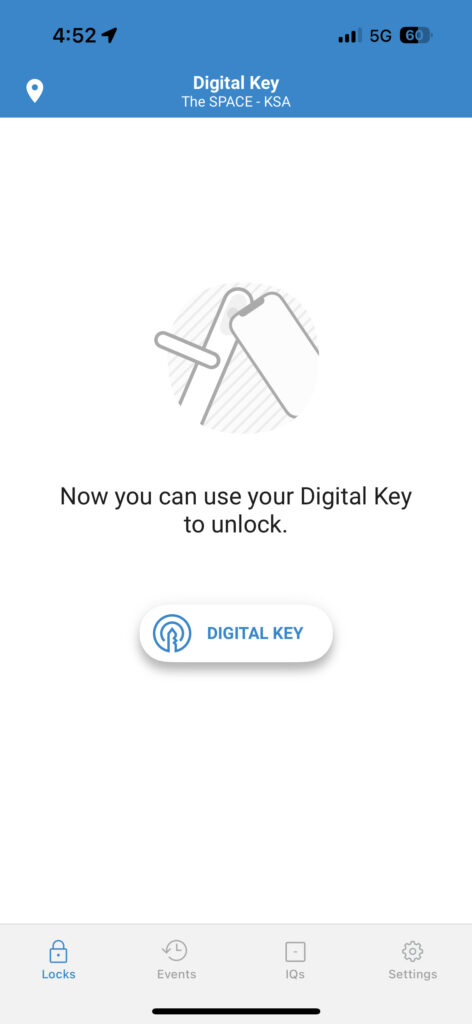
Sign up
You will receive an invitation by email that looks like this. Register by clicking on
GET STARTED
قم بالتسجيل
سيصل لك إيميل التسجيل، اضغط على رابط
GET STARTED
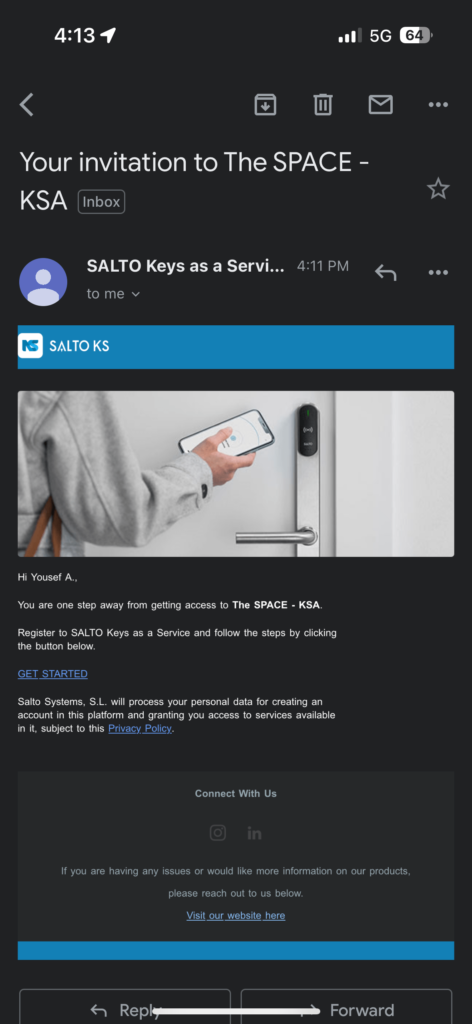
Complete your info
Fill in your information correctly. Make sure the information matches what you completed in the registration form.
قم بتعبئة معلوماتك
تأكد أن المعلومات التي تقوم بتعبئتها تطابق المعلومات في نموذج التسجيل
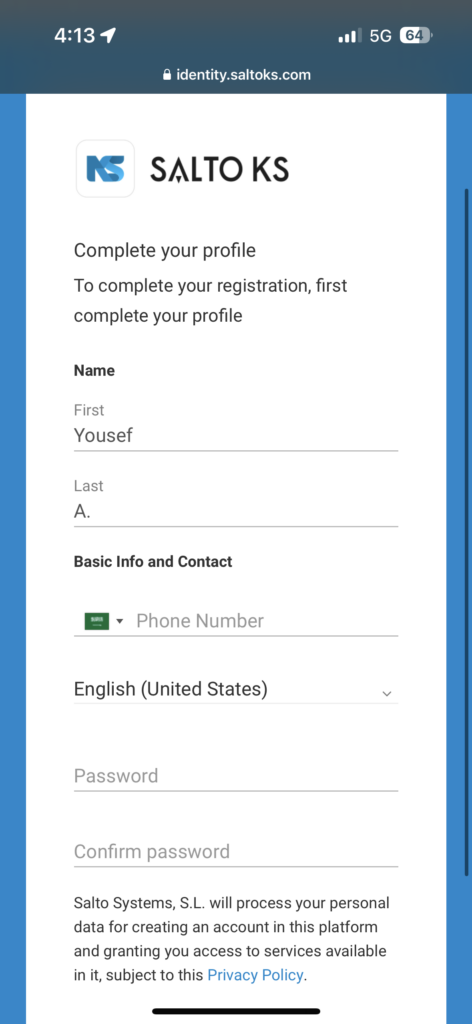
Select “Email”
For your one time passcode, please make sure to select email. Please do not select another option (SMS is not working).
In the next step, enter the code you received to your email.
اختر الإيميل لكلمة السر
لكلمة السر المؤقتة، رجاء اختار الإيميل. نرجو عدم الضغط على الاختيارات الأخرى، الرسائل النصية لا تعمل
في الخطوة التالية، قم بإدخال الكود الذي وصل لكم على الإيميل
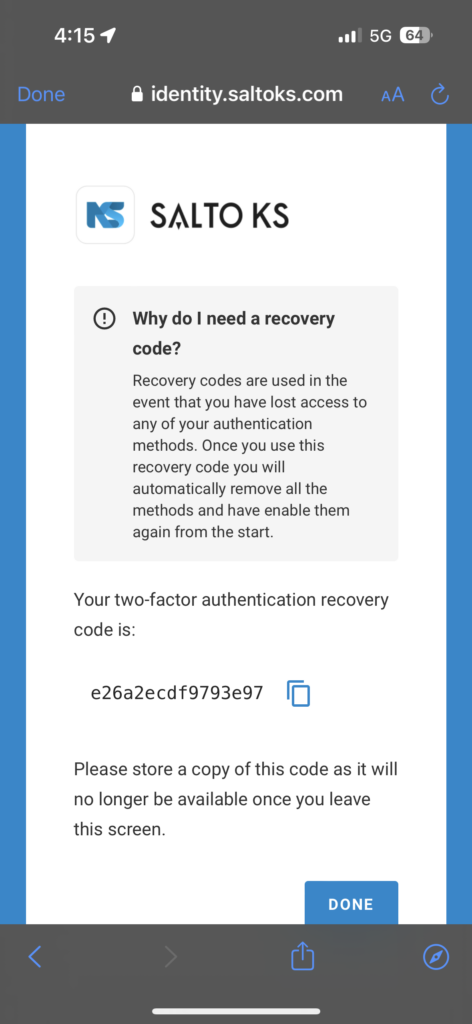
Save the recovery code
In the event of losing access to your email, you can recover your account using the recovery code. Please copy it and store it somewhere safe.
You will now be redirected to the SaltoKS platform.
احفظ رمز الاسترداد
في حالة فقد الوصول إلى بريدك الإلكتروني، يمكنك استرداد حسابك باستخدام رمز الاسترداد. يرجى نسخه وتخزينه في مكان آمن
ستتم إعادة توجيهك بعد هذه الخطوة إلى منصة SaltoKS.
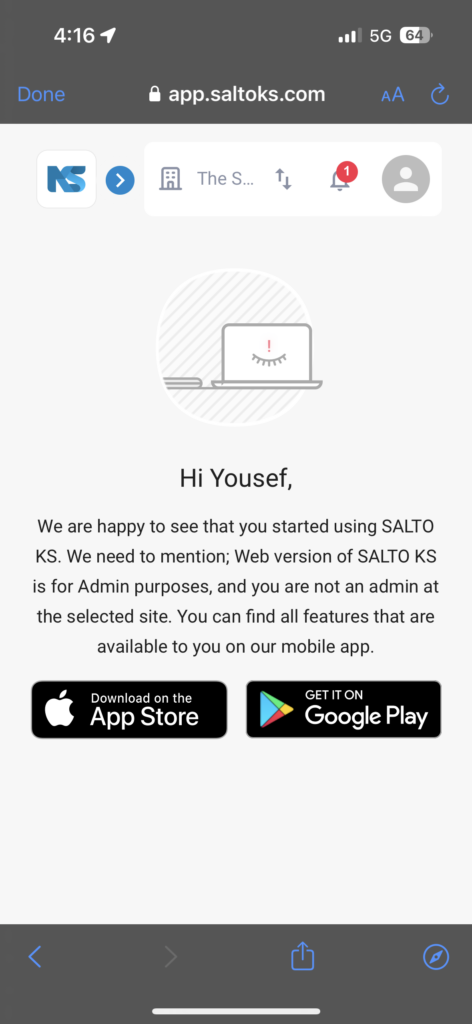
Download SaltoKS
Download the SaltoKS app.
حمل التطبيق SaltoKS
حمل التطبيق من المتجر الالكتروني المناسب لهاتفك
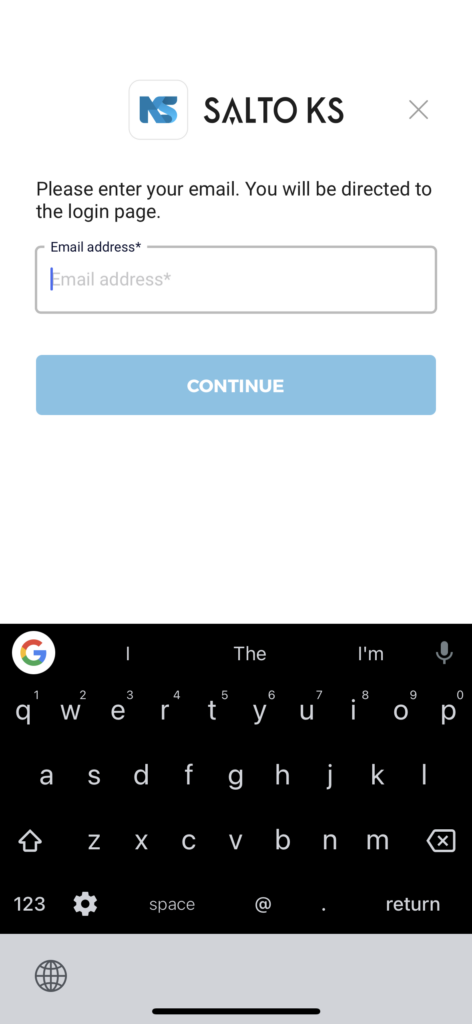
Open the app and login
Open the SaltoKS app and enter the same email you used to register.
افتح التطبيق وسجل الدخول
افتح تطبيق سالتو كي اس وأدخل نفس البريد الإلكتروني الذي استخدمته للتسجيل.
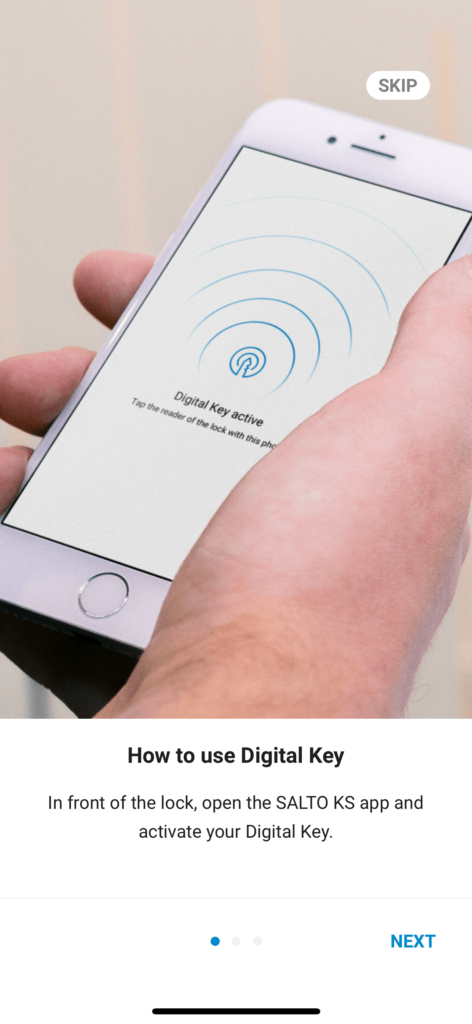
After login, click “Skip”
بعد تسجيل الدخول، اضعط
Skip
Wait a few seconds.
Your device is being registered.
انتظر قليلاً
يتم تسجيل جهازك.
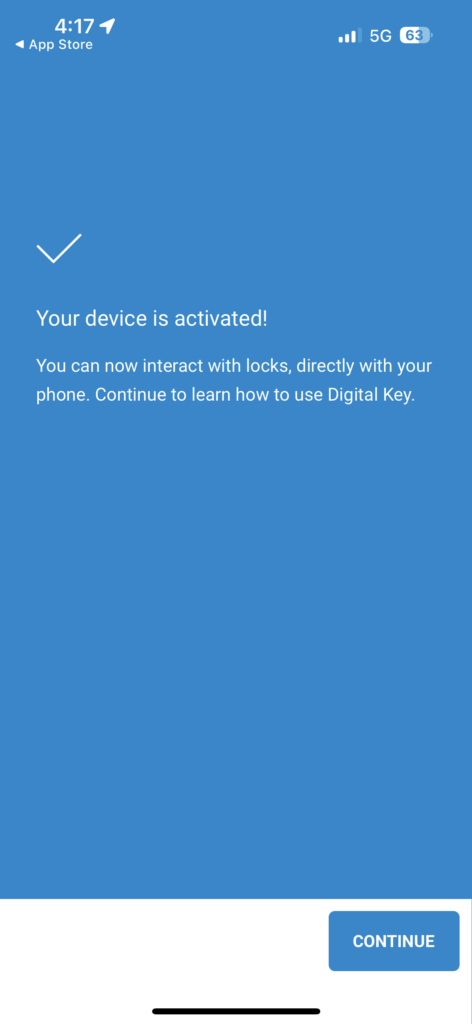
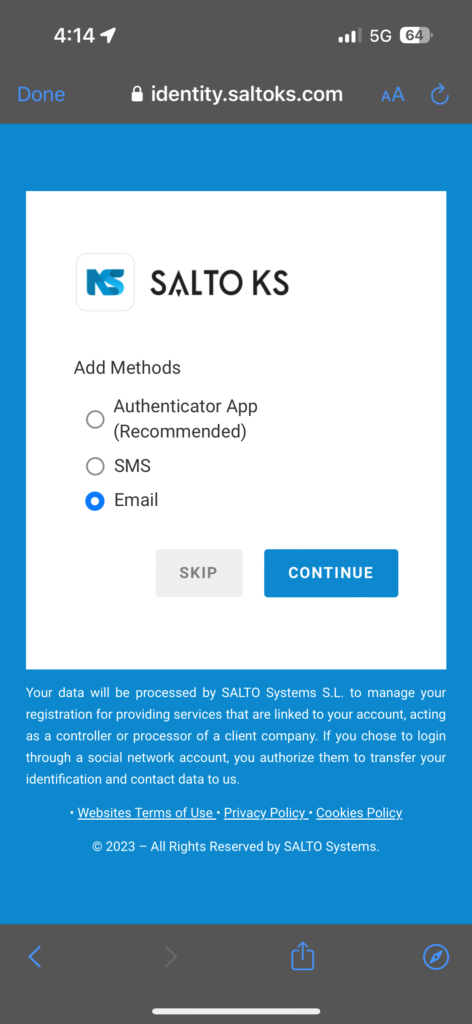
Click on Digital Key.
You may now unlock the office door!
Please make sure Bluetooth is turned on.
Please make sure that your phone is close to the entry device.
اضغط على زر DigitalKey
يمكنك الآن الدخول إلى المكان
نرجو التأكد من تفعيل البلوتوث
نرجو التأكد من قرب الجوال من جهاز الدخول